Cloud: AWS & Azure · New program

Microsoft Endpoint Administrator (MD-102)Intune course · classroom in Chennai & live online

Deploy, secure and manage Windows and mobile devices with Intune and Autopilot, and pass MD-102.

12 WeeksIntermediateProgramClassroom + Online⚡ Fast-track available
5modules
20lessons
5hands-on labs
80hours

What you'll learn in this Intune course

Explain Microsoft 365 services and licensing
Deploy and configure devices with Intune
Deliver apps and keep devices secure
Run the wider Microsoft 365 tenant
Walk into the MS-102 exam prepared

Who this Intune course is for

🛠️

IT professionals

Move up from support or operations roles.

💻

Developers & engineers

Add the next skill your team needs.

🎓

Graduates with basics

Turn foundations into job-ready skills.

✓ Basic IT or programming knowledge✓ Comfortable with computers and the command line✓ A laptop for hands-on labs

New to Intune? Our advisors can suggest the best starting point for your background.

Intune course levels: Fundamentals, Associate, Advanced

Start at the level that fits you. Each level has its own weeks, certification and fee. Within 60 days, everything you have paid counts towards the next level, so you only pay the difference.

Level 14 weeks

Fundamentals

Get started

Prepares for: Microsoft 365 Fundamentals (MS-900)

Week-by-week plan
  1. Microsoft 365 foundations
  2. Microsoft 365 identity and security basics
  3. Microsoft 365 compliance and devices
  4. MS-900 review
Request syllabus ↓
₹6,999 incl. GST
Enquire now →
Level 28 weeks

Associate

Get certified and job-ready

Prepares for: Microsoft 365 Certified: Endpoint Administrator Associate (MD-102)

Week-by-week plan
  1. Endpoint management foundations
  2. Windows deployment with Autopilot
  3. Device enrolment and identity
  4. Configuration profiles and policies
  5. Application management
  6. Endpoint security
  7. Monitoring and troubleshooting endpoints
  8. MD-102 exam preparation
Request syllabus ↓
₹17,999 ₹21,999 incl. GST
Enquire now →
Level 38 weeks

Advanced

Reach senior roles

Prepares for: Microsoft 365 Certified: Administrator Expert (MS-102)

Week-by-week plan
  1. Microsoft 365 tenant setup
  2. Identity synchronisation and authentication
  3. Exchange Online and Teams administration
  4. Microsoft Defender XDR for Microsoft 365
  5. Microsoft Purview for administrators
  6. Microsoft 365 Copilot readiness
  7. Monitoring and service health for Microsoft 365
  8. MS-102 exam preparation
Request syllabus ↓
₹22,999 ₹28,999 incl. GST
Enquire now →

What you'll build

Intune course syllabus

5 modules · 20 lessons · 5 major labs · 80 hours

01

Microsoft 365 foundations

4 lessons · 1 lab
16 hrs+
  1. Microsoft 365 foundations
  2. Microsoft 365 identity and security basics
  3. Microsoft 365 compliance and devices
  4. MS-900 review
HANDS-ON LAB

Tour a Microsoft 365 tenant and its admin centres

02

Deployment, enrolment and profiles

4 lessons · 1 lab
16 hrs+
  1. Endpoint management foundations
  2. Windows deployment with Autopilot
  3. Device enrolment and identity
  4. Configuration profiles and policies
HANDS-ON LAB

Plan a modern device management rollout

03

Apps, security and troubleshooting

4 lessons · 1 lab
16 hrs+
  1. Application management
  2. Endpoint security
  3. Monitoring and troubleshooting endpoints
  4. MD-102 exam preparation
HANDS-ON LAB

Deploy Win32, store and Microsoft 365 apps

04

Microsoft 365 administration

4 lessons · 1 lab
16 hrs+
  1. Microsoft 365 tenant setup
  2. Identity synchronisation and authentication
  3. Exchange Online and Teams administration
  4. Microsoft Defender XDR for Microsoft 365
HANDS-ON LAB

Configure a tenant, domains and admin roles

05

Administrator exam and capstone

4 lessons · 1 lab
16 hrs+
  1. Microsoft Purview for administrators
  2. Microsoft 365 Copilot readiness
  3. Monitoring and service health for Microsoft 365
  4. MS-102 exam preparation
HANDS-ON LAB

Set up sensitivity labels, DLP and retention

Your 12 weeks journey

WEEKS 1–2Microsoft 365 foundations
WEEKS 3–5Deployment, enrolment and profiles
WEEKS 6–7Apps, security and troubleshooting
WEEKS 8–10Microsoft 365 administration
WEEKS 11–12Administrator exam and capstone

Intune tools you'll use

Microsoft 365 admin centerMicrosoft Entra IDMicrosoft PurviewMicrosoft IntuneMicrosoft DefenderWindows AutopilotCompany PortalMicrosoft Defender for EndpointBitLockerEndpoint analyticsPowerShellMicrosoft Entra ConnectExchange OnlineMicrosoft 365 CopilotSharePoint Advanced ManagementPractice exams

Intune projects you'll build

PROJECT 01

Zero-touch Windows rollout

Autopilot deployment with enrolment status page and apps.

PROJECT 02

Secure device baseline

Security baselines, BitLocker and Defender for Endpoint through Intune.

PROJECT 03

Mobile app protection

App protection policies for BYOD phones with Conditional Access.

Intune course fees & batches in Chennai

Fees by level

LevelWeeksFee (incl. GST)
Fundamentals4₹6,999
Associate8₹17,999 ₹21,999
Advanced8₹22,999 ₹28,999

Upgrade any time within 60 days and pay only the difference. Each level can be paid in two instalments. Online learners outside India: see the fee in your currency on our worldwide page.

What the fee includes

  • 80 hours of live, instructor-led classes
  • Hands-on labs and 3 portfolio projects
  • Session recordings for revision
  • 1:1 mentoring
  • Interview preparation: questions and mock tests
  • Placement assistance: resume reviews, mock interviews and referrals

Batches & mode

  • Weekday batches
  • Weekend batches for working professionals
  • Fast-track batches
  • Classroom at our Arumbakkam centre, Chennai
  • Live online from anywhere

Intune certification & exam cost

🎓
Certification this course prepares you for
Microsoft Endpoint Administrator Associate (MD-102)

The exam is booked directly with the certification provider, and its cost is set by the provider for your country. Our advisors share the current exam cost and help you plan the right exam date, with mock tests beforehand.

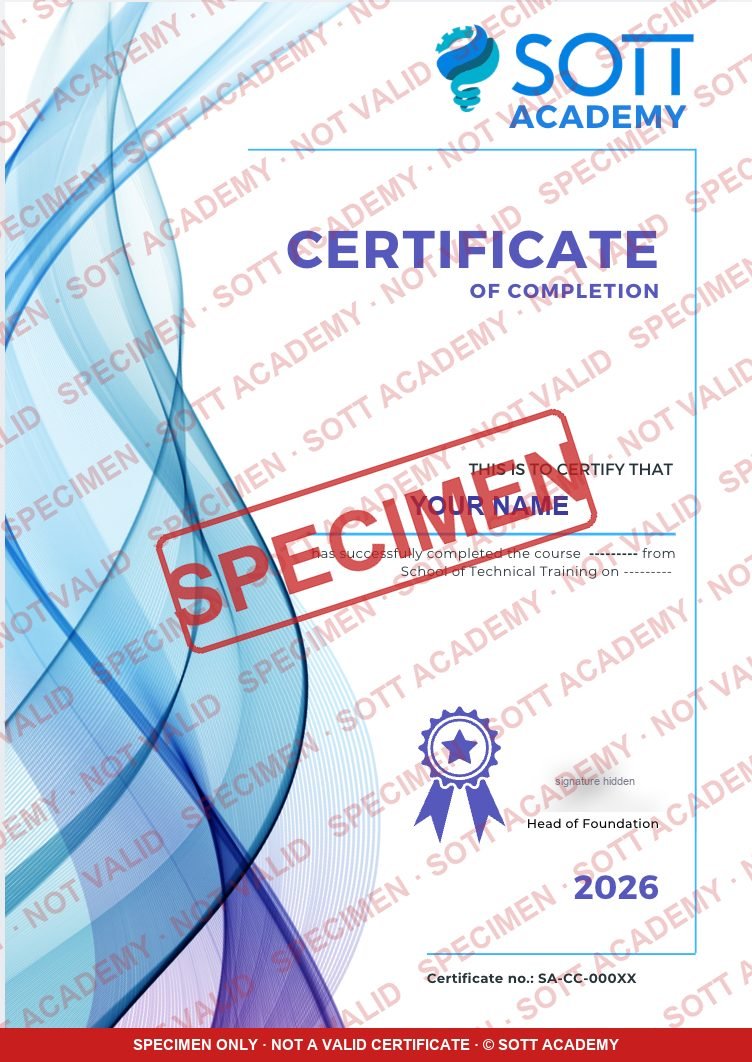
SOTT Academy certificate of completion (specimen)
Specimen for illustration only. Not a valid certificate. © SOTT Academy
Awarded on completion

SOTT certificate of completion

Every learner who completes the Intune course is awarded the SOTT Academy Certificate of Completion, with your name, the course, the date and a unique certificate number.

  • Awarded when you complete the course
  • Unique certificate number
  • Add it to your resume and LinkedIn profile

Intune jobs & career path

With placement assistance: resume and LinkedIn reviews, mock interviews, 1:1 mentoring and referrals to openings where available.

STEP 1Cloud Support / AssociateOperate cloud services
STEP 2Cloud EngineerBuild and automate
STEP 3Senior Cloud EngineerDesign and scale
STEP 4Solutions ArchitectEnd-to-end design
STEP 5Principal ArchitectCloud strategy
Free with this course

Interview prep: 3 levels, mock tests and model answers

Practise the questions real interviewers ask, from fresher to lead.

Fresher · 0–3 yearsMid-level · 3–8 yearsExperienced · 8–15 years
Start practising →

Intune course FAQ

Who is the Microsoft Endpoint Administrator (MD-102) course for?+
It is designed for IT professionals, developers & engineers and graduates with basics. Move up from support or operations roles.
Which level should I choose: Fundamentals, Associate or Advanced?+
The course runs in levels: Fundamentals (4 weeks), Associate (8 weeks), Advanced (8 weeks). Fundamentals gets you started, Associate gets you certified and job-ready, Advanced gets you to senior roles. An advisor can check your background and suggest the right starting level.
Can I start with one level and upgrade later?+
Yes. Within 60 days, everything you have paid counts towards the next level, so you only pay the difference.
Do I need prior experience?+
It helps to have basic IT or programming knowledge, comfortable with computers and the command line and a laptop for hands-on labs. Our advisors can review your background and suggest the best starting point for you.
How long is the Microsoft Endpoint Administrator (MD-102) course?+
12 weeks, about 80 hours across 5 modules, with a hands-on lab in every module.
What does the Microsoft Endpoint Administrator (MD-102) syllabus cover?+
The modules are: Microsoft 365 foundations, Deployment, enrolment and profiles, Apps, security and troubleshooting, Microsoft 365 administration and Administrator exam and capstone. The full lesson list is on this page.
Which tools and technologies will I use?+
Microsoft 365 admin center, Microsoft Entra ID, Microsoft Purview, Microsoft Intune, Microsoft Defender, Windows Autopilot, Company Portal, Microsoft Defender for Endpoint, BitLocker, Endpoint analytics, PowerShell and Microsoft Entra Connect.
What projects will I build?+
Zero-touch Windows rollout, Secure device baseline and Mobile app protection. Your mentor reviews them, and you can show them in interviews.
Which certification does it prepare me for?+
Microsoft Endpoint Administrator Associate (MD-102). We guide your preparation, run practice tests and help you plan your exam; our advisors can share the current exam details.
Is it online or in the classroom?+
Both. Join us at our Arumbakkam centre in Chennai or live online from anywhere. Session recordings are shared with you for revision, so you can catch up if you miss a class.
Are there weekend and fast-track batches?+
Yes. We offer weekday, weekend and fast-track batches, so you can choose the schedule that suits you best.
What jobs can I apply for afterwards?+
Roles such as Cloud Support / Associate, Cloud Engineer, Senior Cloud Engineer and Solutions Architect.
Is there interview preparation for Microsoft Endpoint Administrator (MD-102)?+
Yes. Practise free interview questions and timed mock tests for fresher, mid-level and experienced roles on our Interview prep page.
Do you help with placements?+
Yes. Our placement assistance includes resume and LinkedIn reviews, mock interviews, 1:1 mentoring and referrals to openings where available, so you go into interviews well prepared.
Can I attend a free demo class first?+
Yes. Book a free consultation and our advisor will arrange a demo session for you.
What are the fee and payment options?+
Our advisors will share the current fee, upcoming batch dates and payment options for the batch that suits you.
I have another question. Who can I ask?+
Our advisors are happy to help. Call or WhatsApp us, or send a message from the Contact page, and we will get back to you within one working day.

Keep exploring

Related courses

All courses →
Syllabus →Enquire now
Free download

Microsoft Endpoint Administrator (MD-102, Intune) brochure

Tell us where to send it. We'll email you a 6-digit code to confirm.